Playbook Self-Serve: How to Use
Last updated: May 27, 2026
This article explains how to use the Playbook Self-Serve feature in the Lace Portal.
Using this functionality, you can add, remove, or edit steps in any playbook configured in Lace without requiring assistance from the Lace team.
Opening the Playbook Editor
To access the Playbook Editor:
Click on your initials in the top-right corner of the Lace portal.
Select Settings from the dropdown menu.
Publishing Changes
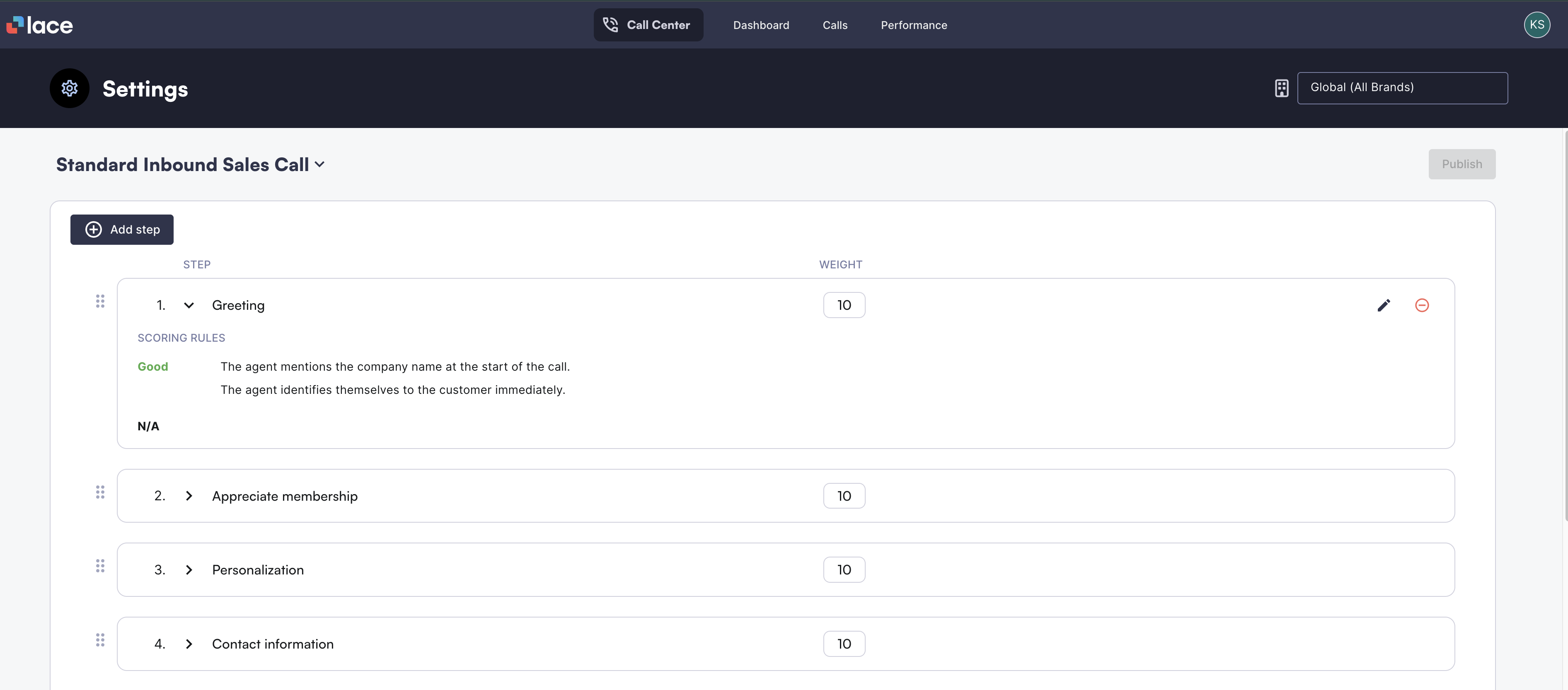
After making changes, click the Publish button located in the top-right corner of the editor.
Publishing will apply all modifications made to the playbook.
⚠ Warning
Once changes to a playbook are published, they are applied immediately and cannot be undone.
Please review all modifications carefully before clicking Publish, as there is currently no option to revert or restore previous versions of a playbook.
Available Editing Options
Within the editor, you can perform the following actions:
Create a new step
Edit an existing step
Delete an existing step
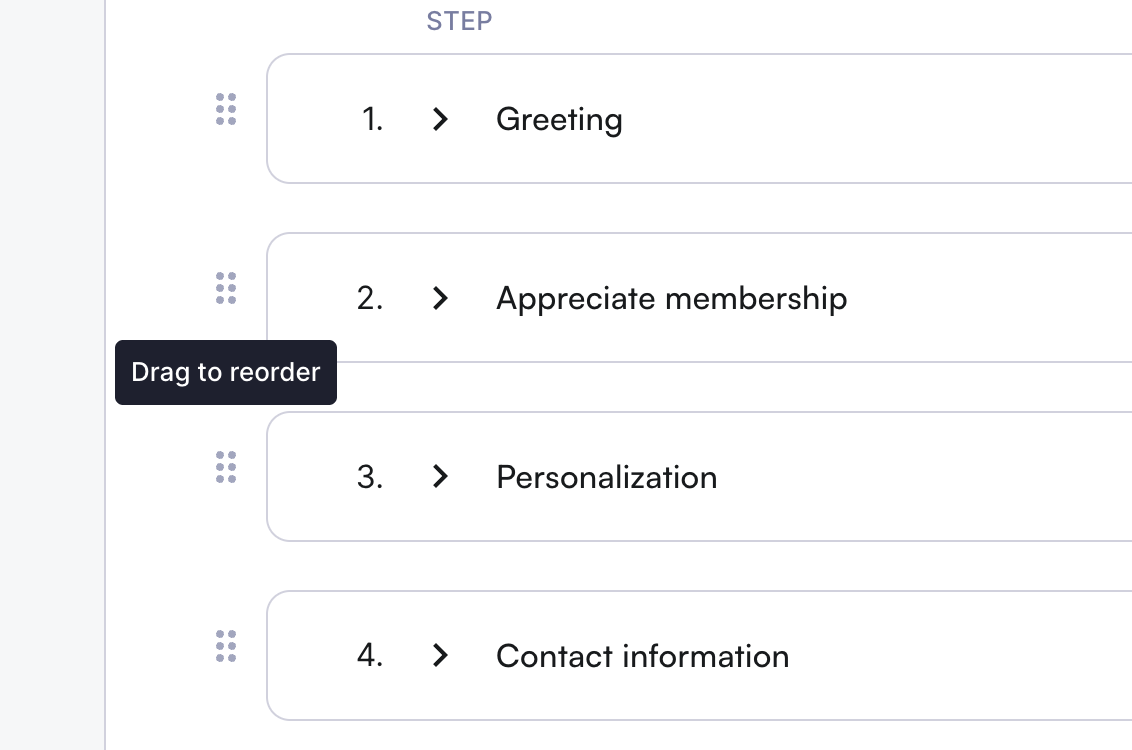
Reorder steps
Editing a Step
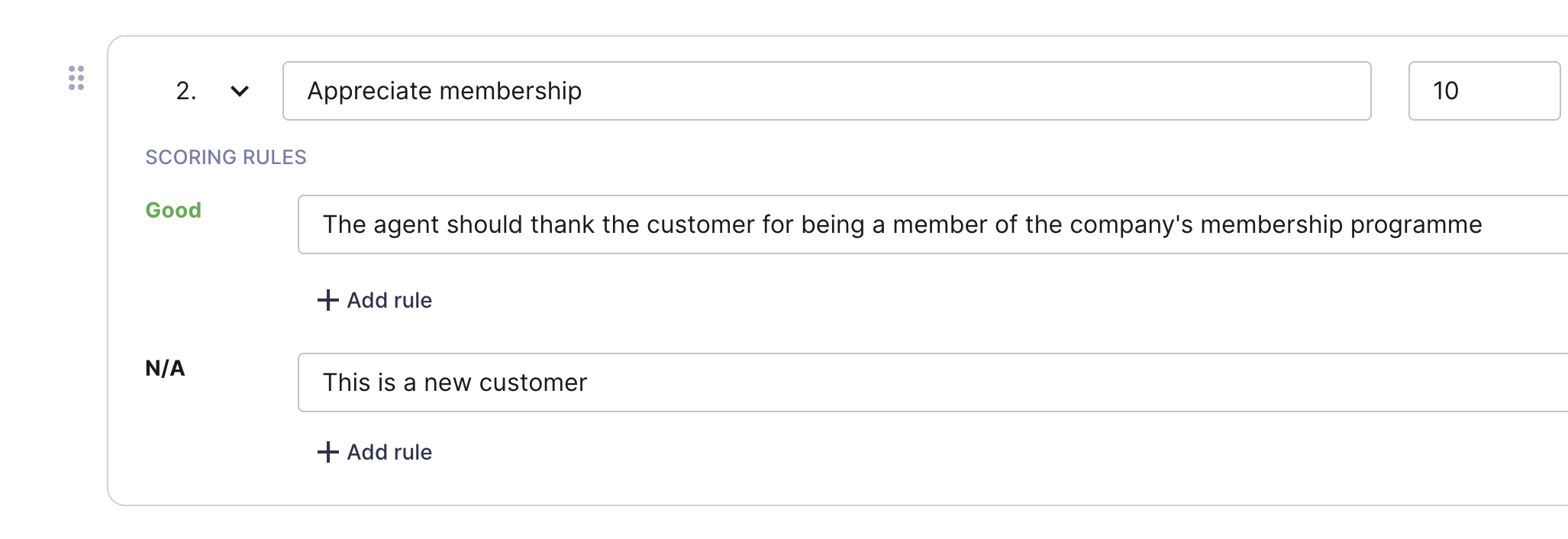
When editing a step, the following options are available:
Add a good rule required for the step.
Remove an existing good rule.
Important:
If only one good rule exists, it cannot be deleted until another rule is added.
Add a rule specifying when the step should not be scored and should instead be marked as N/A.
Remove a rule specifying when the step should not be scored and marked as N/A.
Edit the weight of the step.
Grading Rule Format Guidelines
For the playbook to function correctly, grading rules must be written so they can be evaluated as either true or false.
Avoid using formats that introduce ambiguity or require manual interpretation (such as questions with multiple possible answers).
Partial Score
Each line in the playbook step is a rule. To achieve partial score, there need to be multiple separate conditions. For example:
This step can never have a partial score because it is just one rule
The agent collects or confirms address, phone number and email.
The below step consists of 3 rules and if one is true, the result will be partial score.
The agent collects or confirms the customer address
The agent collects or confirms the customer phone number
The agent collects or confirms the customer email
❌ Bad Example
Did agent offer membership program? (Y/N)
✅ Good Example
The agent offers a membership program.
This format ensures the rule can be clearly evaluated:
True → The agent offered the membership program
False → The agent did not offer the membership program
Key Guidelines
Write grading rules as clear, objective statements
Avoid questions, multiple-choice formats, or subjective phrasing
Ensure each rule can be consistently evaluated as true or false