CallRail access
Last updated: September 8, 2025
This Lace Integration article is a snippet from this Callrail Help Centre article
Login to https://app.callrail.com/
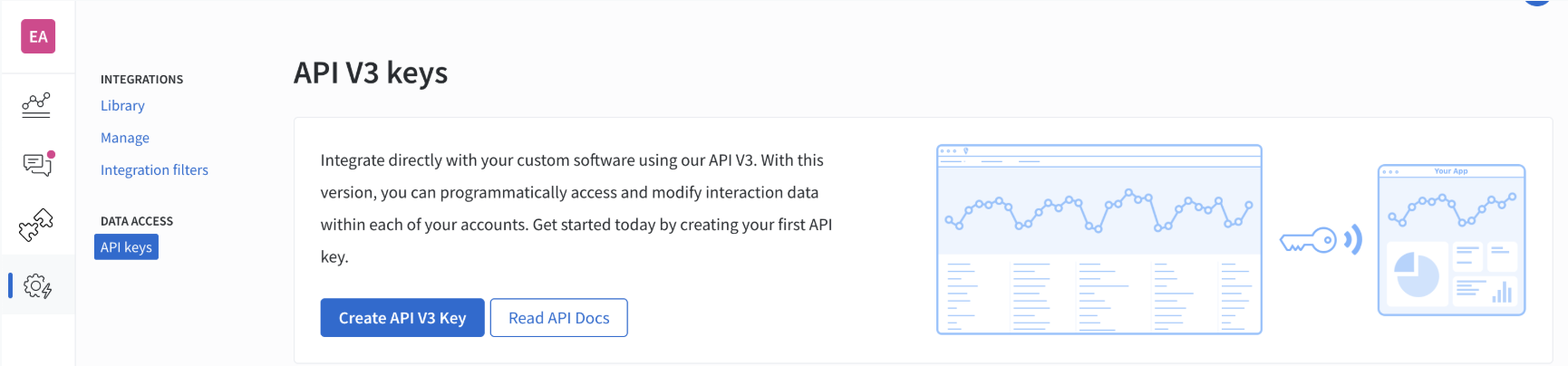
Select the Integrations icon on the left navigation bar.
Select API Keys from the integrations library or the Data Access header on the left.
Select Create New API v3 Key to create a new API key (if you haven't created a key before). This key will only be shown in its entirety for 15 minutes; store this key somewhere secure.
Your active API keys are listed in the table (if you have created a key before). You can delete any API key by clicking the Delete icon on the right.