Upgrading ServiceTitan Permission Scopes
Last updated: July 15, 2025
Open the ServiceTitan API access management page at https://go.servicetitan.com/#/Settings/Api-Apps
Locate the Lace for Call Center app entry in the list of connected apps
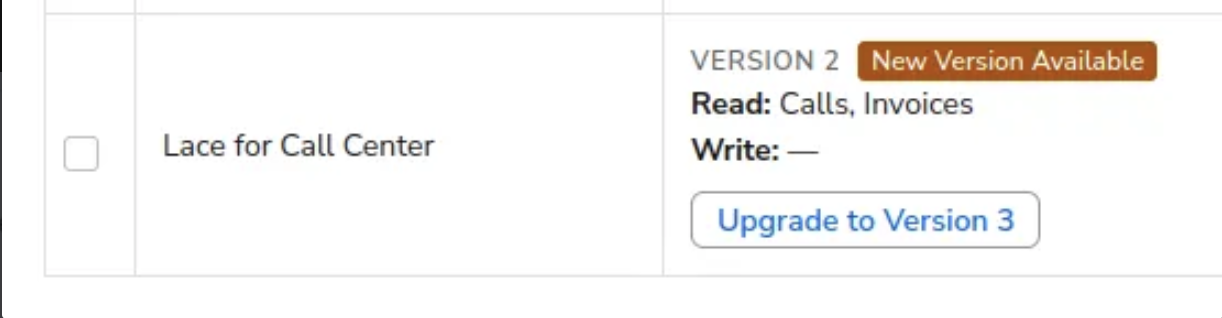
Click the upgrade button. Its label should read along the lines of “Upgrade to Version …” Example:
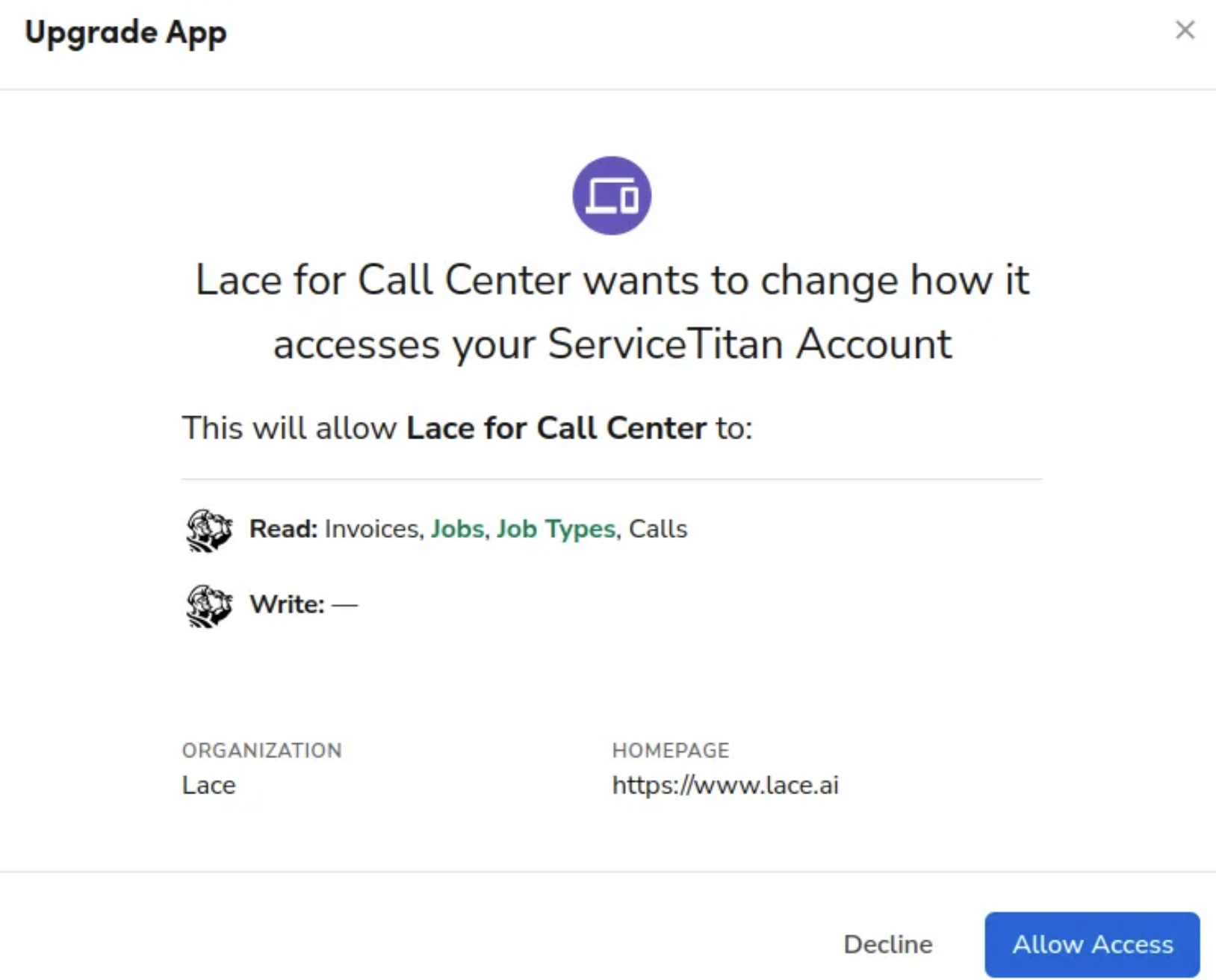
Accept the requested app scopes in the popup that shows. Example: