ServiceTitan access
Last updated: April 10, 2026
Sign into ServiceTitan.
Click the Connect New App button (Settings > Integrations > API Application page)
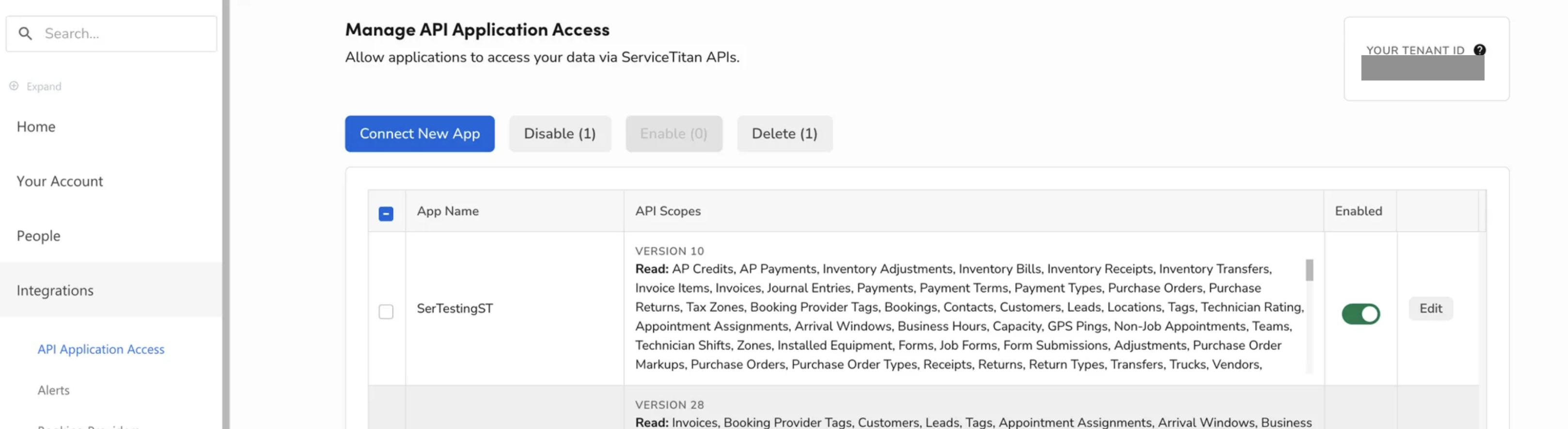
After you click the button, the Lace app: Lace for Call Center should show up in the list. Toggle the app on.
If you see a Restrictions drop down, please select "No Restrictions".
A prompt will appear to allow you to accept Lace permissions request. Please click Allow Access
If you have a ServiceTitan Enterprise Hub instead, please follow this article: